Most people think of Telegram as just a messaging app like WhatsApp. However, it has grown to be much more than just a place to chat. People now use Telegram for work, finding jobs, sharing content, marketing, education, and running online businesses.
This guide explains why Telegram is so popular. You will learn how it works, what makes it unique, and how to use its features for both work and daily life.
Why Is Telegram Different From Other Messaging Apps
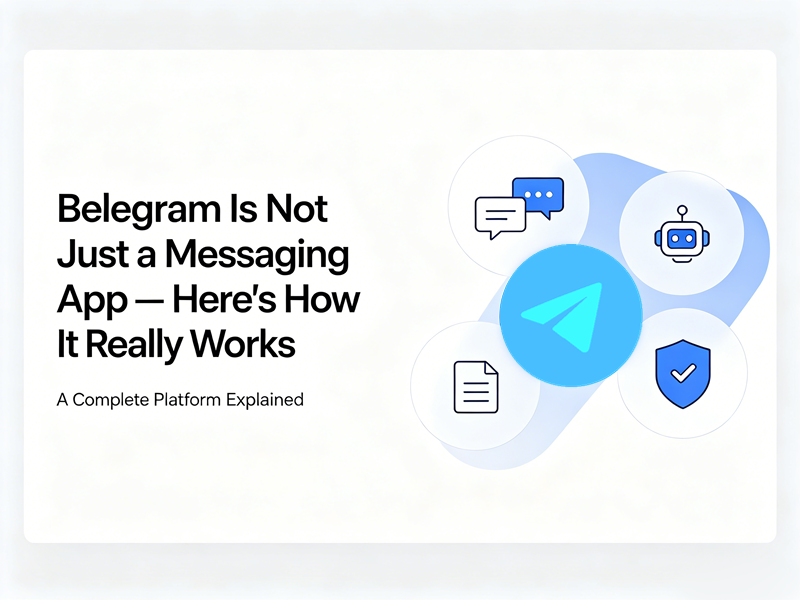
Many messaging apps focus primarily on private conversations. Telegram takes a broader approach by combining messaging, file sharing, social networking, business communication, and automation into one platform.
You’re not tied to a SIM card. You’re not limited to 100MB files. You’re not trapped in a walled garden where the app decides what a “message” can contain.
A Telegram functions in four different ways at the same time:
| Layer | What It Looks Like | What It Actually Is |
| Messenger | 1-to-1 chats, voice/video calls | A thin client syncing cloud-stored data across every device you own |
| Broadcast Network | Channels (unlimited subscribers) | A one-to-many media distribution engine — think RSS feed + newsletter + push notification, fused together |
| Community OS | Supergroups (up to 200,000 members) | A forum/Slack hybrid with granular permissions, topic partitions, slow mode, and native moderation hooks |
| Automation Platform | Bots & the Bot API | A free, open development layer where anyone can deploy scripts, mini-apps, payment flows, and AI agents |
Some key differences include:
- Larger Group Capacity: Telegram groups can support up to 200,000 members.
- Massive File Sharing: Telegram allows users to send large files directly through chats.
- Cloud Storage: Users often save files, notes, photos, and important documents in their private chats, allowing them to access information from any device.
- Public Channels: Channels allow creators, businesses, influencers, and organizations to broadcast information to unlimited subscribers.
With 1-billion monthly active users, this isn’t a niche tool. It’s infrastructure.
How Telegram Messages Work
The foundation of Telegram remains its messaging functionality.
1. Non-SIM card association
WhatsApp needs a SIM card number to sign up, but Telegram allows you to use a Google Voice number.
The approach of not being tied to a fixed SIM card greatly protects user privacy. So you don’t have to worry about your phone number being exposed.
2. Cloud-First Architecture
Telegram’s standard chats save your data in the cloud and allow files up to 2GB, making it a useful tool for sharing files. In contrast, secret chats do not store your data and delete it automatically after a set time.
Log in on your phone, your laptop browser, a tablet, and a work PC simultaneously, and every telegram message you send or receive appears on all of them in real time. You can log into Telegram messages on as many devices as you want.
3. The Overlooked File
A telegram message isn’t just text. You can attach:
- Files up to 2 GB each on free plans, 4 GB on Premium
- Full-resolution images and video, no forced compression junk
- Any format — PDFs, zips, CAD files, DAW project folders, game builds, entire slide decks
- Voice notes, round videos, location pins, polls, disappearing media
Because it’s all cloud-backed, Searchable. Forwardable, and don’t eat your phone’s storage.
4. Channels
It’s a one-to-many feed where:
- Only admins post. Subscribers read.
- There is no upper limit on subscribers — 500, 50K, 2M… it scales.
- Every post hits 100% of followers — no algorithmic suppression, no “showing this to 12% of your audience”.
- You get view counts, forward tracking, and built-in analytics.
A channel is the closest thing the internet has left to a guaranteed-delivery distribution channel.
5. Bots
The Bot API is what turns Telegram from a chat app into a platform. Every bot starts with @BotFather. You send /newbot, pick a name, and BotFather hands you an API token. With that token, you can write scripts — in Python, Node.js, Go, whatever — that:
- Auto-reply to FAQs
- Accept payments
- Pull live data: weather, stock prices, shipping status, blockchain transactions
- Moderate groups: ban spam, enforce captchas, filter links
- Run entire storefronts through Telegram Web Apps
And the kicker: the API is free. No approval process. No per-message fee.
Telegram Business: Turning a Profile Into a Storefront
Telegram rolled Telegram Business into the core app — a suite of native, no-code business tools baked right into your personal or brand account. You’ll find it at Settings → Telegram Business, and it’s available to Telegram Premium subscribers.
What You Get
- Opening Hours: Displays your working schedule on your profile.
- Location Pin: Drop your business address on a map right inside your profile.
- Quick Replies: Save reply templates behind a / shortcut.
- Welcome Message: Auto-fire a greeting + intro the moment a new client messages you.
- Away / Closed Message: Automatically tells people you’re off-hours with expected response time.
- Custom Start Page: The screen someone sees before they even type a word — you can brand it with text, stickers, and a short intro about what you do.
- Chat Labels & Folders: Color-coded tags on conversations, Lead / VIP / Support / Paid.
- Connected Bots: Plug in a third-party chatbot that handles the first line of triage, books slots, or routes conversations to the right human agent
These features can turn Telegram messages into Telegram jobs and achieve integrated work
Final Thoughts
What makes Telegram stand out is its ability to adapt to almost any use case. It works equally well for casual conversations, professional collaboration, content creation, and business growth. Telegram+ further facilitated these features.
If you’re only using Telegram to send messages, you’re probably utilizing just a small fraction of what the platform can actually do.